AI for Churches: The Five Weekly Jobs To Automate First

A church office does the same few jobs every week. Here are the five an AI can write a first draft of, and the work a person should always do themselves.

Start With The Weekly Work

Make a list of the jobs your office does every week, the same way, and would happily hand off. It’s usually the same short list: the questions people keep asking, the newsletter and bulletin, the sermon, reminders to volunteers, and knowing whether any of it got done.

Here’s what each one looks like when an AI agent writes the first draft. Where we already run a job in our own business, it says so.

The drafting is done by Claude skills, which are saved instructions you write once.

1. Answer The Same Visitor And Member Questions

Visitors ask when the service starts, where to park and how to join a group. Members ask the same few things every week. An assistant answers from your own material, like your handbook, your website and your sermon archive, and shows where each answer came from. You choose which questions it’s allowed to take.

Ours: we built one for a client’s member community, and every answer carries its source.
2. Draft The Weekly Newsletter And Bulletin

Each week you leave the agent the announcements, the calendar and the sermon title. It writes a first draft of the newsletter and the bulletin in your own wording. You read it, change what you want, and send it.

Ours: drafts for our sales inbox are ready at 8:40 every morning, and that job can’t send email at all. It only writes drafts.

3. Turn The Sermon Recording Into Posts

After the service you hand the agent the recording. It writes the transcript, picks out the lines that stand on their own, and drafts a few short posts. A person who heard the sermon checks that each post says what was said before anything goes out.

Sample: any example we show you here will be labelled as a sample.

4. Remind Volunteers And Announce Events

You give the agent the schedule. It drafts a reminder to each volunteer before their slot, and a short note for each event. You read them and approve them. Nothing goes out until you do.

Ours: reminders for unpaid invoices are drafted for us the same way, and nothing goes out until we approve it.

5. One Email Every Morning That Says What Ran

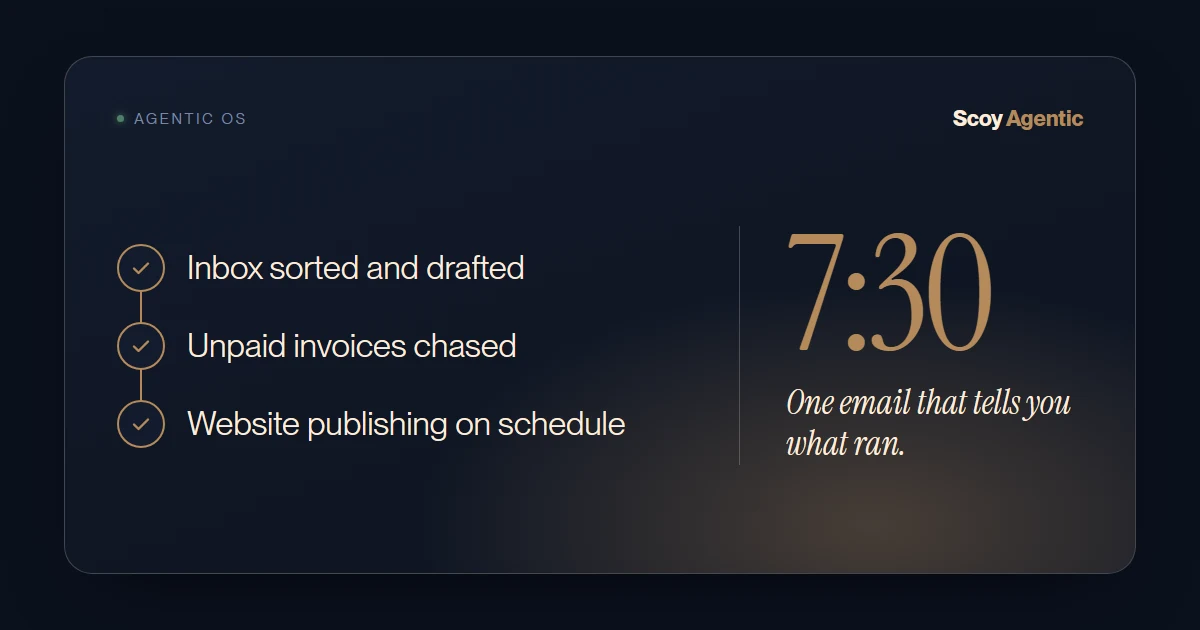
Once a few jobs are running, you need to know they ran. One email arrives before your day starts. It lists what ran overnight and anything that needs you. If a job failed, it names the job and the reason.

Ours: 7:30 every weekday.

What We’d Leave Alone

Some work shouldn’t be automated, and we’ll say so on the call.

A pastoral care message. A note to someone who is grieving or sick is not a draft to approve. A person writes it and sends it.

Counseling. An agent can’t sit with someone. The assistant can point a member to a person, and that is all it should do.

Anything about a named person. A message that mentions a member by name, their situation or their giving is written and sent by a person.

How To Pick Your First One

Ask two questions about each job on your list. Do you do it every week? Does it go the same way each time?

The job with two yeses that eats the most hours goes first. If nothing on your list gets two yeses, you probably don’t need us yet, and we’d rather tell you that than sell you something.

Questions People Ask

How can a church use AI without a big project?

Pick one weekly job that goes the same way every time and hand only that to the AI. Check the drafts for a few weeks, then add the next one. That’s how our own business was built, one job at a time.

Is it right to use AI for church communications?

That’s for your leadership to decide, and we wouldn’t decide it for you. The setup on this page keeps a person in charge: the AI writes a first draft, and someone on your team reads it, changes it and sends it. Nothing reaches a member on its own.

Can an AI answer questions from our members?

It can answer the ordinary ones, like service times and how to join a group, from your own handbook and website, and each answer shows its source. A person handles anything personal. We built this kind of assistant for a client’s member community.

What does AI for a church cost?

It depends on the job and how many accounts it touches. The first call is free, and you’ll know what your first job involves before you spend anything.

What would the AI need from us?

Your own material, like the handbook, past newsletters, sermon recordings and the calendar. It runs on your accounts, so you keep all of it.

Bring Your Week

Write down the jobs your office does every week, the same way. In thirty minutes, free, we’ll tell you which one goes first, or that none of them is worth it yet.

Book a Free 30-Minute Call →